
How to Save BJJ Techniques from YouTube, TikTok, and Instagram

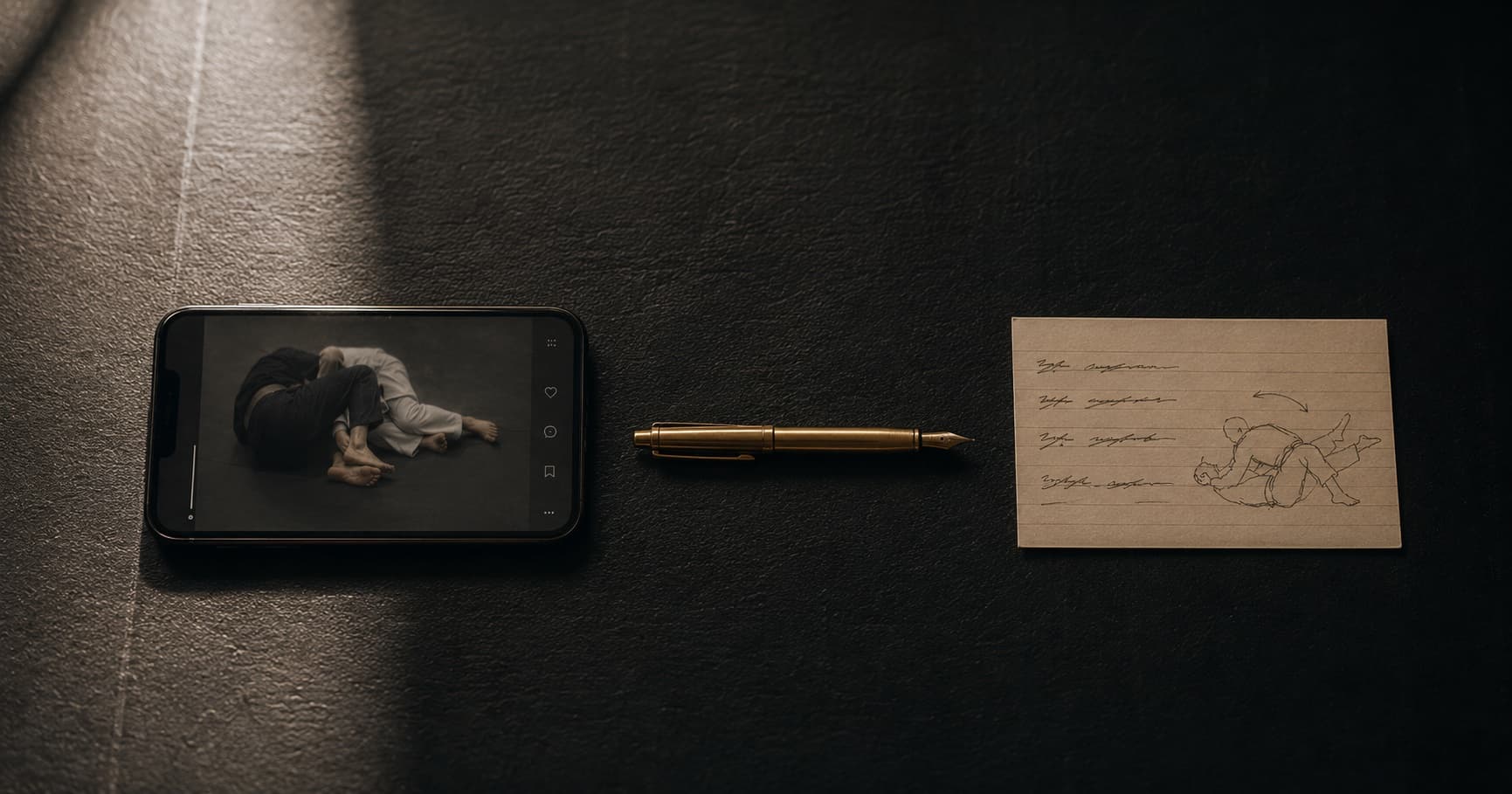
Published May 2026 · Last verified: May 2026
Your camera roll has 80 BJJ clips in it. You can't find the kneebar one. You know it's in there, somewhere between a screenshot of a parking receipt and a video of your dog. This is the standard outcome of saving techniques from Instagram, TikTok, and YouTube — and it's why most practitioners on r/bjj (the main jiu-jitsu community on Reddit, around 500k members) end up cycling through three or four different "systems" before something sticks.
I retain about 10% of all BJJ I've seen
That ratio doesn't change much as you progress. What changes is whether the 90% you've forgotten is findable — whether you can search for "knee cut counter" three weeks from now and actually pull up the clip you saved. The workflow you pick determines that.
Below: the four workflows in common use, ranked from worst to best, plus what each one costs you at save time and where it eventually dies.
Quick disclosure: I'm a blue belt and one of the co-founders of ZenCub, which is Workflow 4. I've tried to be straight about where each option breaks, including the one I built.
TL;DR
Four workflows are in common use for saving BJJ techniques from YouTube, TikTok, and Instagram: (1) the camera roll, (2) the platform's native "saved" folder, (3) a personal notes doc, and (4) structured technique cards. The first three all break in the same place — you can save fast, but you can't find anything later.
The fourth is the only one that holds up past month three.
Workflow 1 — The camera roll
Cost at save time: seconds. The lowest possible. You screenshot the Instagram post, screen-record the TikTok, or use one of the sketchier YouTube-downloader apps to save the clip locally.
Where it dies: searchability. Your camera roll's search is OCR-based on visible text. BJJ video frames don't have searchable text, so you end up with a thousand files named IMG_4582.MOV and no way to find the one about the kneebar from half guard. Scrolling chronologically through three months of mixed personal photos and grappling clips isn't a search — it's a guess.
The deepest failure mode: screen-recorded clips lose the source link entirely. If you want to re-watch the full version, share it with a teammate, or check whether the same technique is shown elsewhere in the instructor's catalog, you're starting from scratch.
When it works: if you save fewer than five clips a year, the camera roll is fine. Don't overthink it. Based on: my own former workflow + a dozen-plus r/bjj threads where this comes up.
Workflow 2 — The platform's "Saved" folder
Cost at save time: still seconds. The platform does the work. Instagram has its "Saved" tray (with optional collections). YouTube has playlists. TikTok has collections. You hit the bookmark icon and the clip stays attached to its source.
Where it dies: scale and cross-platform fragmentation. Within six months your Instagram saves are a 500-item wall, and the platform's only search is over the original post caption — which BJJ creators rarely write usefully. Cross-platform doesn't help either: a Reddit user asking "where's that armbar setup I saved?" probably can't remember whether they saved it on IG, TikTok, or YouTube. There's no unified view.
The deepest failure mode: if the original poster deletes the post, your bookmark dies with it. This happens more often than you'd think — instructors prune old content, accounts get suspended, viral clips get pulled for copyright. A saved post is a pointer, not a copy.
When it works: if you save five to twenty clips a year on one platform and you're disciplined about using collections. Based on: my own use across all three platforms.
Workflow 3 — Apple Notes, Google Docs, or Notion
Cost at save time: anywhere from 15 seconds to 3 minutes, depending on how much you write. This is the wedge that decides whether the workflow survives. Paste the link, optionally add a title, a tag, a short description of what's in the clip.
Where it dies: the cost-at-save-time tradeoff. If you write almost nothing, your Notion ends up as 200 unlabeled URLs that are no easier to navigate than the camera roll was. If you write enough detail to make the entry actually useful, the friction at save time accumulates and the journal-on-January-1st pattern catches you:
I've been trying of taking notes after class as well and use Google Docs. Not fancy but it's just easy. I don't know if it's serving me well, I am trying because I notice that I tend to forget everything I've ever known when rolling.
That last line is the tell. They already know it's not working.
The deepest failure mode: the friction loop. To make the system useful at retrieval time, you have to over-write at save time. The over-writing is what breaks the habit. Once you stop writing detail, you can't tell the entries apart — and you're back to Workflow 1 with extra steps.
When it works: if you're already a Notion power user, you save 20+ clips a year, and you'll genuinely build out a template with position tags, technique tags, and step fields. Based on: my own three failed attempts (Apple Notes, then Notion, then a Google Docs spreadsheet) + r/bjj threads.
Workflow 4 — Structured technique cards
Cost at save time: the time to paste a link. The structuring is automatic.
You paste a link from YouTube, TikTok, or Instagram. You get back a structured card: technique name, position, sub-position, step-by-step breakdown, key checkpoints. The card lives in a searchable personal library alongside everything else you've saved. You can filter by position ("show me everything from half guard") or technique type ("show me all the sweeps") and pull up the relevant clip in seconds.
Where it dies: the structuring depends on the source video being reasonably clear about what's being shown. A 12-second TikTok with no narration and a fast-cut montage of three different techniques won't produce a card as clean as a 90-second Instagram reel where the instructor names the position. Garbage in, garbage out — but the same is true of your own handwritten notes when you're tired after class.
The deepest failure mode: the category is new. ZenCub is the only app I've found doing video-link-to-structured-card at the time of writing, which means betting on a young product. The mitigation is the pricing model (credit packs, not subscription) — you only pay for the saves you make, and if the app disappears you've lost cents, not a yearly fee.
When it works: anyone saving 20+ clips a year who doesn't want to spend the cost-at-save-time that Workflow 3 demands. Particularly: anyone whose saved-clips folder has already died once. Based on: I built it because the first three workflows kept failing me. I use it daily. Take the recommendation with that in mind.
How to evaluate any workflow
Three criteria, regardless of which path you pick. Apply these before you commit to a system:
- Searchability by position or technique, not by file name. Can you type "knee cut" three months from now and pull up the relevant saves? If the answer is "scroll until I see it," the workflow doesn't survive scale.
- Survives the source. If the original poster deletes the post, do you still have access to the technique? Bookmarks die when sources die.
- Retrievable under pressure. Driving home from class, opening your phone, finding the right technique in 60 seconds. If your workflow requires laptop access or sustained scrolling, it won't get used at the moment it matters most.
If a workflow fails on any one of those three, it'll quietly stop being used. You'll know it failed when you find yourself screenshotting clips into the camera roll again.
Which workflow should you pick?
| You save... | Pick |
|---|---|
| 0–5 clips a year | Workflow 1 (camera roll). Don't overthink it. |
| 5–20 clips a year on one platform | Workflow 2 (native bookmarks + collections). |
| 20+ clips a year, and you'll genuinely maintain a template | Workflow 3 (Notion, Apple Notes, or Google Docs). |
| 20+ clips a year, and you want the structuring done for you | Workflow 4 (structured cards). |
The honest truth about Workflow 3: most people who try it stop maintaining it within a few months. Not because Notion is bad — because the discipline required is real and the payoff is delayed. If you've already tried a structured Apple Note for BJJ and watched it slowly turn into a graveyard, that's information about your future self, not your past self.
Frequently asked questions
How do I save TikTok videos for later?
TikTok's built-in 'Add to Favorites' (the bookmark icon) saves the video to a collection inside the app. For BJJ clips specifically, the limitation is that you can only search by the original creator's caption, which is rarely descriptive. If you want searchability by position or technique, paste the link into a notes app or a structured-card app instead.
What's the best way to save BJJ Instagram reels?
Instagram's 'Save' button with collections is the lowest-friction option — tap the bookmark icon, optionally add to a collection like 'Guard' or 'Submissions.' The downside is that if the original poster deletes the reel, your save is gone with it. For permanent retention, copy the link into a notes app or paste it into a structured-card app like ZenCub that captures the technique itself, not just a pointer.
Can I download YouTube videos for BJJ training?
YouTube's Terms of Service prohibit downloading via third-party tools. The legitimate option is YouTube Premium, which allows offline downloads inside the YouTube app for personal use. For BJJ specifically, downloading is usually overkill — what most people actually want is the technique structured into searchable notes, which is a different problem than having the raw file.
What's the best note-taking app for BJJ techniques from videos?
Apple Notes and Notion are both used widely by BJJ practitioners — Apple Notes for low-friction quick saves, Notion for power users willing to set up a real template with position and technique tags. The honest catch with both is the discipline required at save time. If you've tried this approach and watched it die, structured-card apps remove the cost-at-save-time tradeoff.
Is there an app that turns video links into BJJ notes?
There's a small category of apps doing this. Voice-first journal apps like Grappling AI tackle a related problem (post-class verbal reflection), while ZenCub takes pasted video links and returns structured technique cards with name, position, step-by-step breakdown, and key checkpoints. Disclosure: I built ZenCub. For a deeper read on the broader category of AI BJJ apps, the full roundup is here.
If you want a broader read on BJJ apps in 2026 across all categories — journals, instructionals, tournament tools, the whole landscape — I covered the full 17-app roundup here.
Last verified: May 2026. Something out of date or a workflow I missed? Email [email protected].